
You can set up an employee to work in more than one location or branch.
Click on Employees on the Navigation bar, and choose List Employees from the drop down menu.
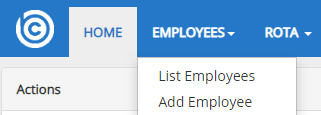
The list of all active employees will appear.
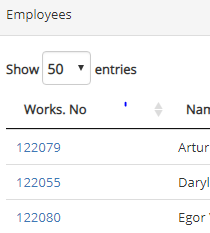
Click on the Works No to go into the individual employee record.
Click on Location Tab

Scroll to bottom of the page, where you find Locations
Click Add Location button  and then from the drop down Branch menu, select the Secondary location for the employee
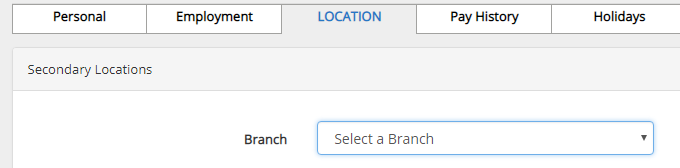
Then click
You can allocate the employee a Primary location (where they carry out the majority of duties). This will be the default location applied.
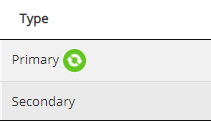
To switch the Primary and Secondary location click on the  symbol and choose the primary location from the drop down list that appears under Create new Primary, and save

Comments
0 comments
Please sign in to leave a comment.